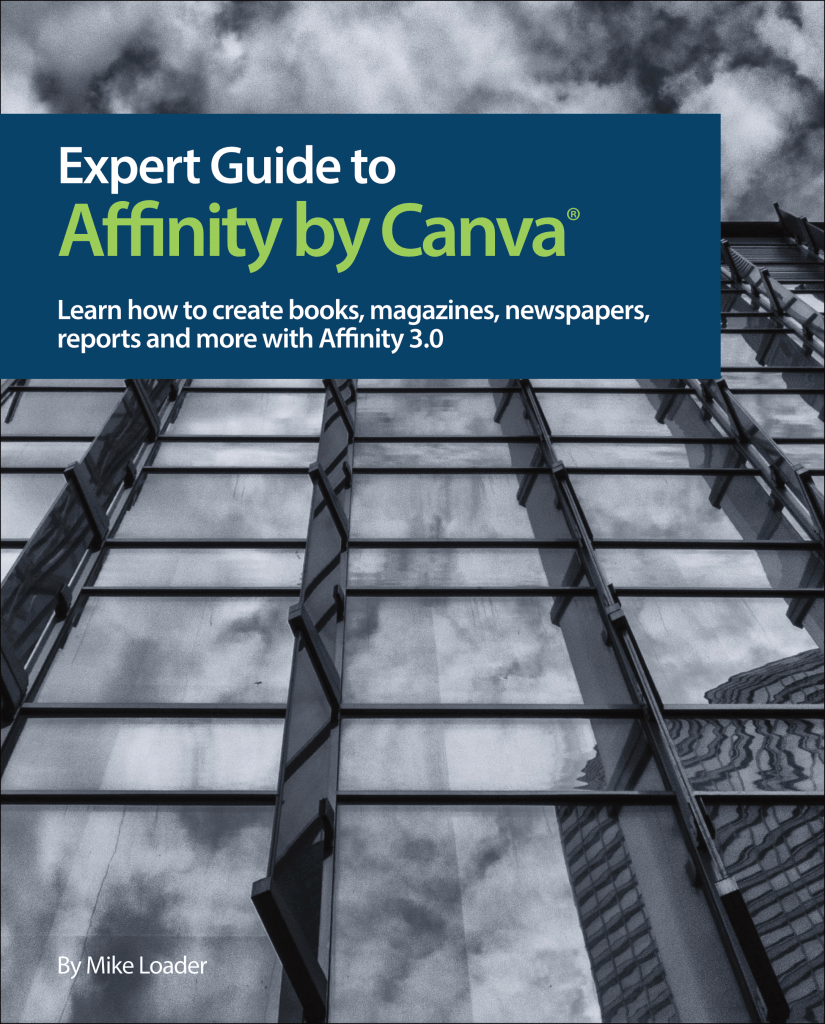
Learn how to create books, magazines, newspapers, reports and more with Affinity 3.0. Free download!

Download PDF (42 MB)
This free, 490-page manual is filled with steps, tips, and recommendations to help you master Affinity’s most complex page layout and publishing features. It describes everything you need to know to use Affinity to create print, digital, and EPUB documents.
This edition is completely updated for the new Affinity 3.0 interface with hundreds of new screenshots and examples. You’ll learn about:
- Documents, books, chapters, and sections
- Pages, master pages, and multi-page spreads
- Text formatting and text styles
- Variable fonts and OpenType typography
- Text frames, picture frames, and shapes
- Manipulating and transforming objects
- Tables of contents, the index, and cross-references
- Anchors and hyperlinks
- Footnotes, sidenotes, and endnotes
- Page numbering, running headers, and fields
- Printing and exporting
- Structuring documents for EPUB
- Installing dictionaries and customising settings
- This manual does not describe the photo editing and illustration features of Affinity.
FAQ
- Is it really free? Yes, it’s copyrighted only to prevent others from publishing it as their own
- Is there another edition for photo editing and illustration? Sorry, no
- Is there an EPUB version? Maybe in the future


 Mike Loader
Leave a reply to Simone Carini Cancel reply